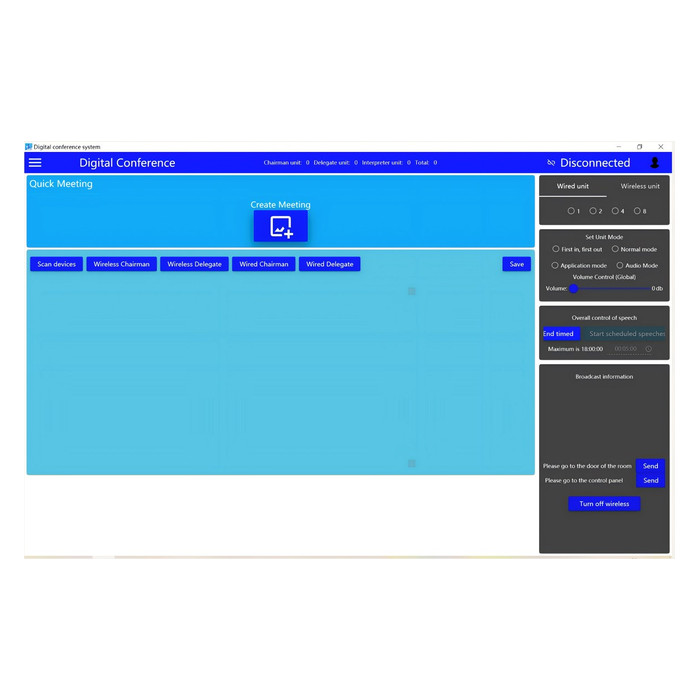
RG-2000PS PC Digital Conference Management Software
Meeting & User ManagementSeating LayoutCheck-In & VotingMicrophone ControlReports & Data ExportBackup & RestorePC Digital Conference Management Software.
Request a QuoteProduct Features:
- Create, edit, view, start and end multiple meetings, and copy historical meeting settings.
- Super administrator and regular user roles support different management permissions. Meetings created by separate regular users remain separate.
- Select, add, import, export and edit participants, and assign participant roles.
- View attendee lists and seating layouts. Arrange seats automatically or manually, save the layout and distribute it to terminals.
- Send attendee names to microphone displays and configure interpreter-unit languages before meetings.
- Configure preset camera positions for automatic speaker tracking.
- Create and manage check-in sessions, preview display layouts and show attendance progress in real time.
- Create and run votes, view live results, control result displays and review historical voting records.
- Configure single- or multiple-choice votes, named or anonymous voting, countdowns, pass rates and remarks. Display results as text, bar charts or pie charts.
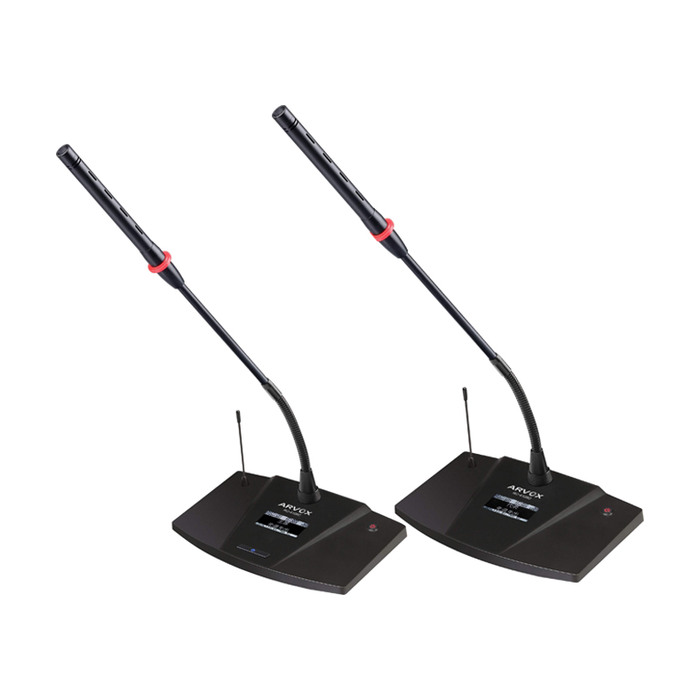
- Control wired and wireless microphone speaking limits, conference modes, speech control, interpreter modes, broadcast information and wireless-unit shutdown.
- Adjust global audio volume and individual microphone-channel levels.
- Receive and process conference service calls and track their waiting or completed status.
- Review meeting agendas, attendance records, voting details, meeting summaries, logs and service records after meetings.
- Print or preview meeting agendas and export attendance, voting, summary, log and service statistics.
- Manage users and user groups, maintain organizational structures and filter participants when creating meetings.
- Configure controller network settings and manage conference-room layouts by discovering, adding and associating terminals and microphones.
- Adjust controller-interface volume and EQ, configure microphone gain and voice-detection tracking thresholds, and enable tracking presets.
- Back up system data locally and restore it when required.